QR codes have become a convenient way for small businesses to connect their customers with digital information and services.
From sharing menus and product details to promoting special offers, accepting payments, a simple scan can simplify several everyday business activities.
QR codes can also help businesses reduce printing costs, improve customer engagement, collect feedback, and connect offline marketing with online platforms.
In this blog, we will explore the key benefits of QR codes and how small businesses can use them to improve customer convenience, efficiency, and their overall digital presence.
What Are QR Codes and How Do They Work?
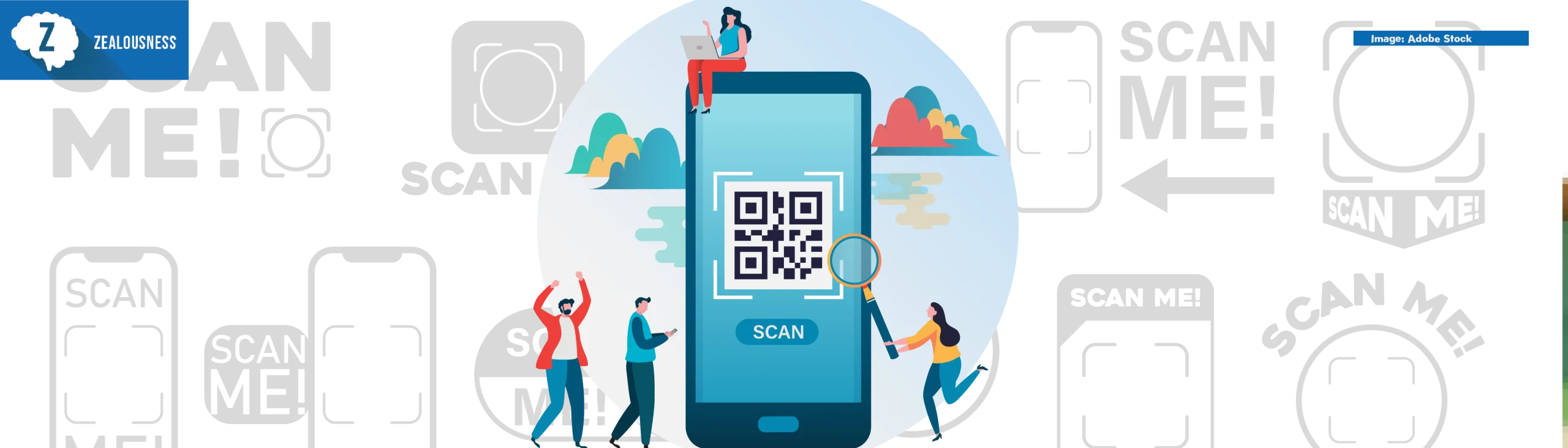
A QR code, which stands for Quick Response code, is a 2D barcode that holds data and lets users access it quickly with a simple scan. Customers can scan the QR code with their phone’s camera, a QR scanner app, or an online tool.
QR codes encode information into a pattern of small squares. When you scan a QR code, the scanner detects and analyzes this pattern to identify the stored data. It then converts the encoded information into a readable format, such as opening a website, displaying text, or showing contact details.
How Can QR Codes Benefit Small Businesses?
- Reduction in the Cost of Printing and Marketing
A small business can use QR codes to reduce its reliance on hard copies such as menus, brochures, flyers, business cards, and other marketing tools.
The business does not have to spend money printing a large volume of materials; instead, it can generate a QR code that guides customers to an online page.
- Speed up and simplify payments
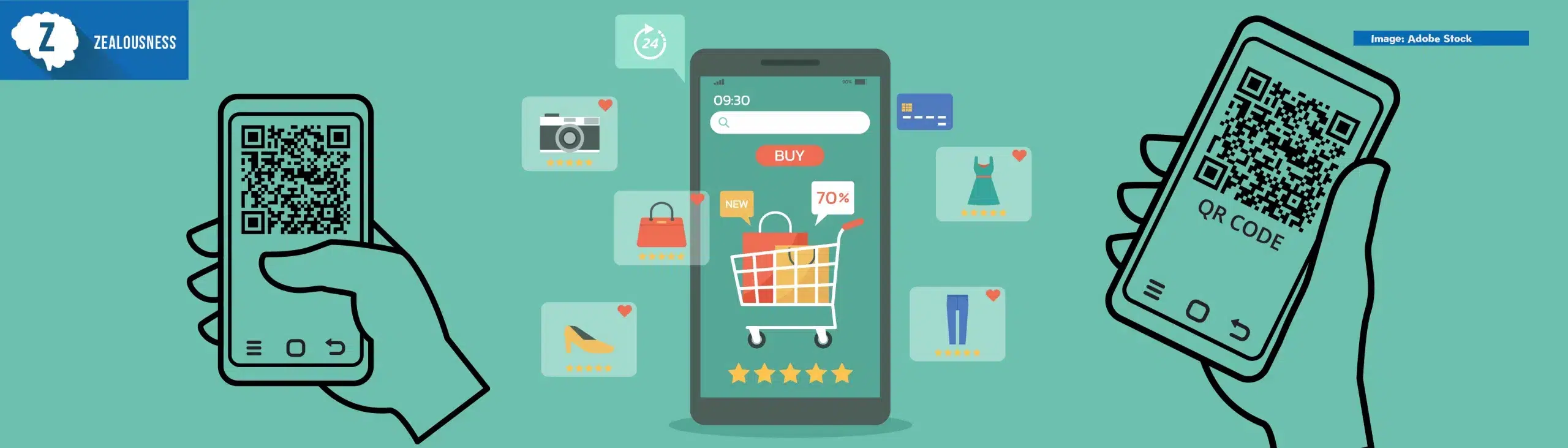
QR codes make digital payments faster and more convenient by allowing customers to access payment information instantly. Customers can scan a QR code with a QR code scanner to pay cashlessly without entering long payment details. This speeds up checkout and simplifies payment.
- Improve Customer Engagement
Businesses may easily connect customers to their digital platforms with QR codes. A simple scan can transport customers to a website, social network profile, promotional offer, product page, or other online material.
Customers can easily interact with a business and learn about its products and services.
- Facilitate Instant Access to Business Information
QR codes also let small businesses offer customers instant access to business information. This can include restaurant menus, store information, product information, operating hours, contact information, and location information. This will minimize the need to seek assistance from staff members.
- Assist in Marketing Campaigns
Businesses can include QR codes in their marketing campaigns. This can be done by putting them on posters, packaging, windows, business cards, or other promotional materials, guiding consumers towards discounts, webpages, newsletters, and other marketing initiatives. This creates a clear link between the offline campaign and online content.
- Gather Customer Feedback
QR codes help collect consumer feedback and opinions. A code can take them straight to an online survey, review page, or other feedback form after buying a product or using a service.
- Save Time for Employees
With QR codes, employees can save time because they will not have to perform repetitive actions, and customers can get information on their own. There is no need for the employees to give out printouts or answer the same questions over and over again; all they will have to do is direct the clients to scan the QR code.
- Monitor Customer Interaction
Small businesses can leverage dynamic QR codes with analytics to learn more about customer interactions. Depending on the QR code solution used, small businesses can get information such as scans, locations, devices, and campaign performance, among others. This helps small businesses see which campaigns are catching on.
- Offer a More Contactless Solution
QR codes let customers access information and services digitally without relying heavily on printed materials or physical contact. Restaurants can provide menus, retailers can provide product information, and events can offer registration and ticketing through this solution.
- Create a Professional Digital Presence
Using a QR code allows small businesses to connect their physical location to their digital presence. This is done by placing a QR code in the physical store, on a business card, or even on products for purchase. With this QR code, customers are led to the business’s digital platform.
Best Practices in Using QR Codes
- Visible and Scannable QR Codes: Ensure QR codes are placed where they can be seen and scanned with smartphones.
- Call to Action Message: Make sure to include a call to action message to inform customers about what they are going to get after scanning the QR codes, like “Scan for Menu”, “Scan to Get Discount” or “Scan to Pay”.
- Mobile-Friendly Content: Ensure the content the QR code links to is mobile-friendly.
- High Print Resolution: Ensure that there is enough space around the QR code to make it scannable through a smartphone.
- Scanning should be Helpful for the Customer: It should provide relevant information, not irrelevant information.
Conclusion
QR codes let small enterprises easily and cheaply connect the physical and digital worlds. The codes decrease printing costs, simplify payments, enhance customer service, boost marketing initiatives, and provide business information.
They also provide client feedback and marketing tracking. Small businesses can boost consumer satisfaction and online presence by strategically using codes and linking them to valuable mobile content. QR codes will help small firms improve efficiency as consumer tastes shift.